

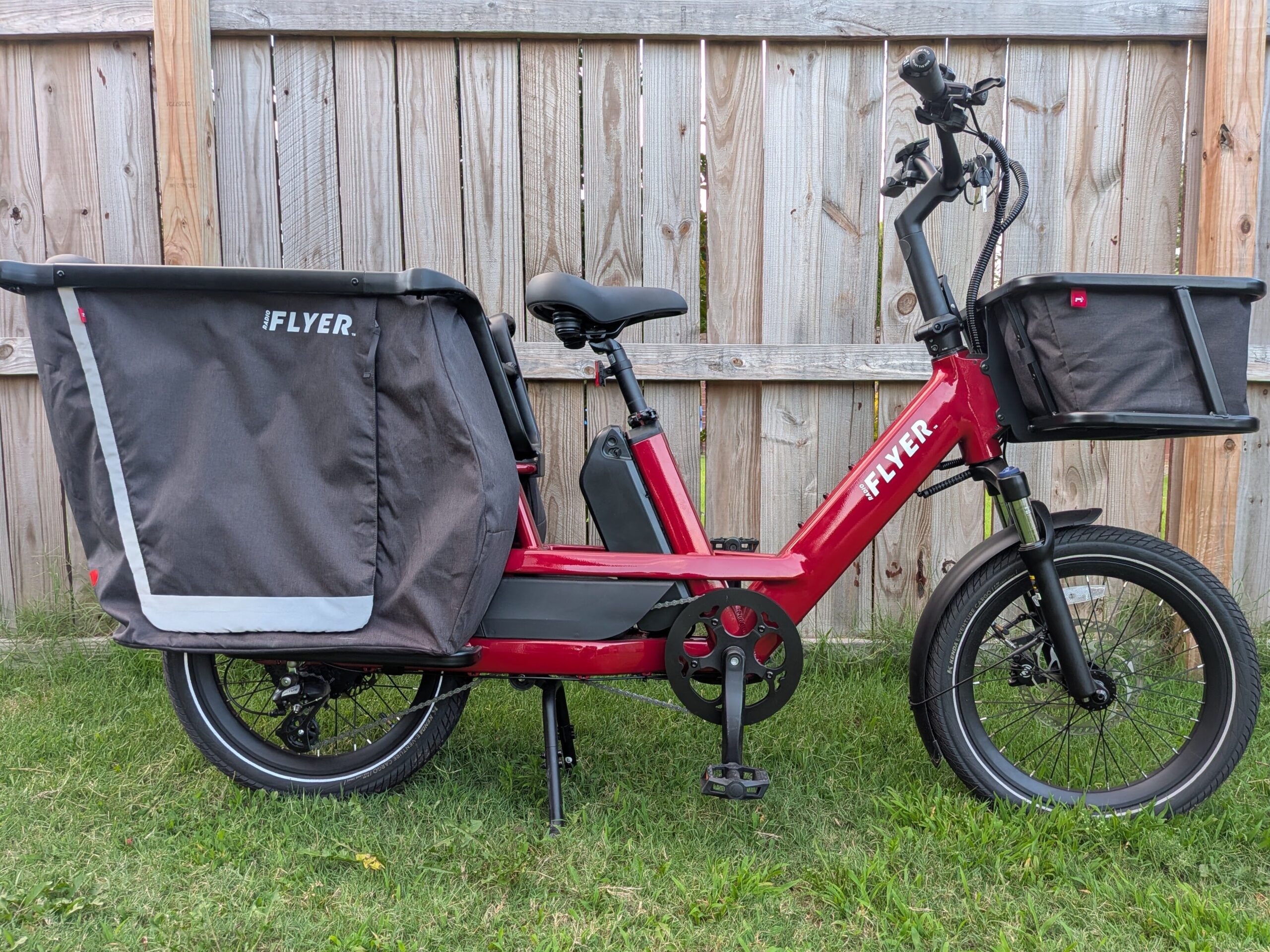
Heritage matters in a cargo ebike, because you’re putting kids and groceries on the back and trusting it to hold up over years of daily use. The Radio Flyer Flyer Loop is the company’s premium take on the family cargo ebike, and it arrives with component choices you rarely see at any price, starting with Magura MT5 four-piston brakes and a deep catalog of purpose-built accessories. It’s a compact build, easier to wheel around and store than most cargo bikes, and it comes in four colors including the brand’s iconic red. At $2,999, Radio Flyer is asking premium money, so what we set out to learn is whether the parts and the thinking behind them back that up.
We loaded it up with kids and cargo and put it through our usual tests, so this review walks through the standout features, the full spec sheet, and how the Flyer Loop fits a range of riders. From there we get into real-world performance, the throttle, both sensor modes, our Bentonville hill climb, and the Magura brakes, before lining the Flyer Loop up against the Aventon Abound LR and closing with where the money went.
If you’re considering the Flyer Loop or another Radio Flyer ebike, using our affiliate link is a free way to support our work.
Flyer Loop Video Review
Want to see the Flyer Loop before you read? Our YouTube review walks through every component, tours the display and the companion app, loads the bike with cargo, and takes it up our hill climb test, with both first and third person riding footage.
Standout Features of the Flyer Loop
The Cubby Accessory System
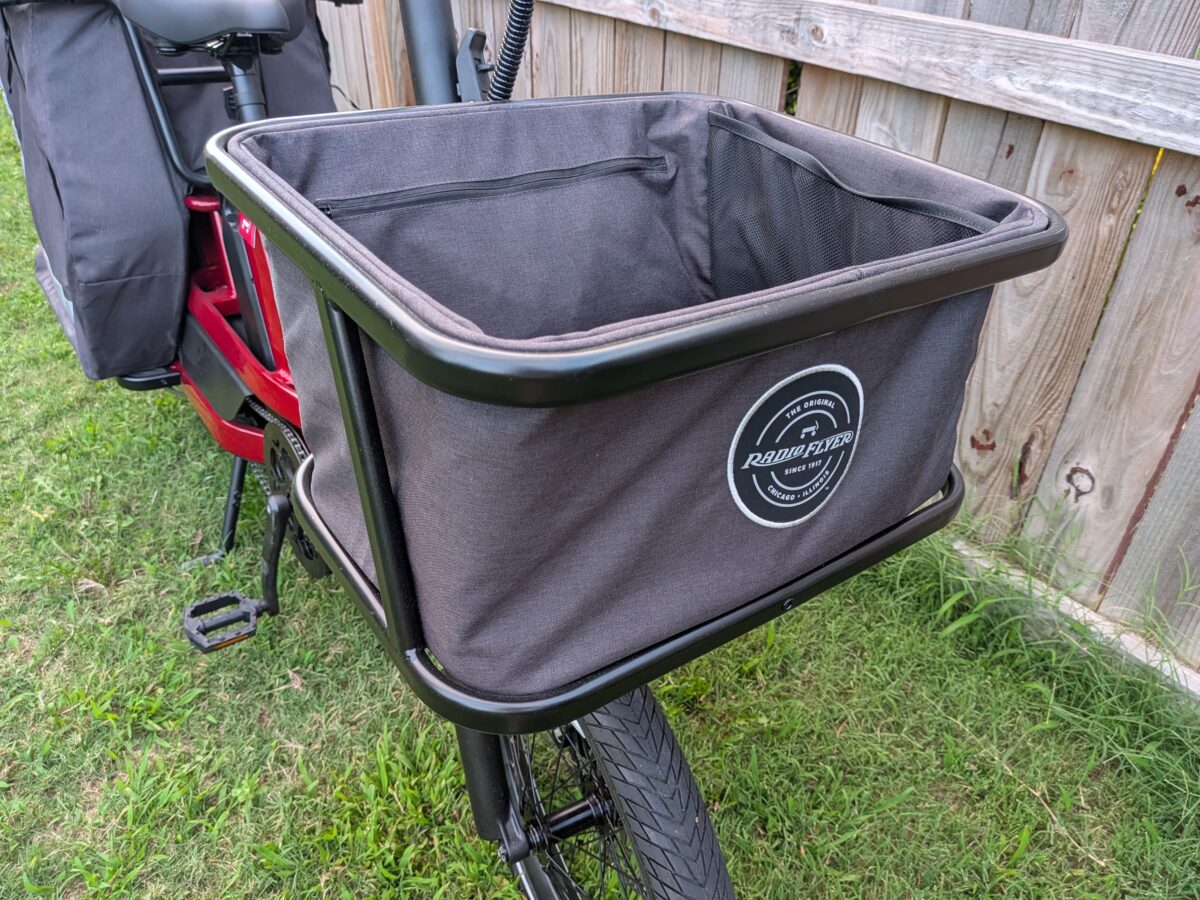
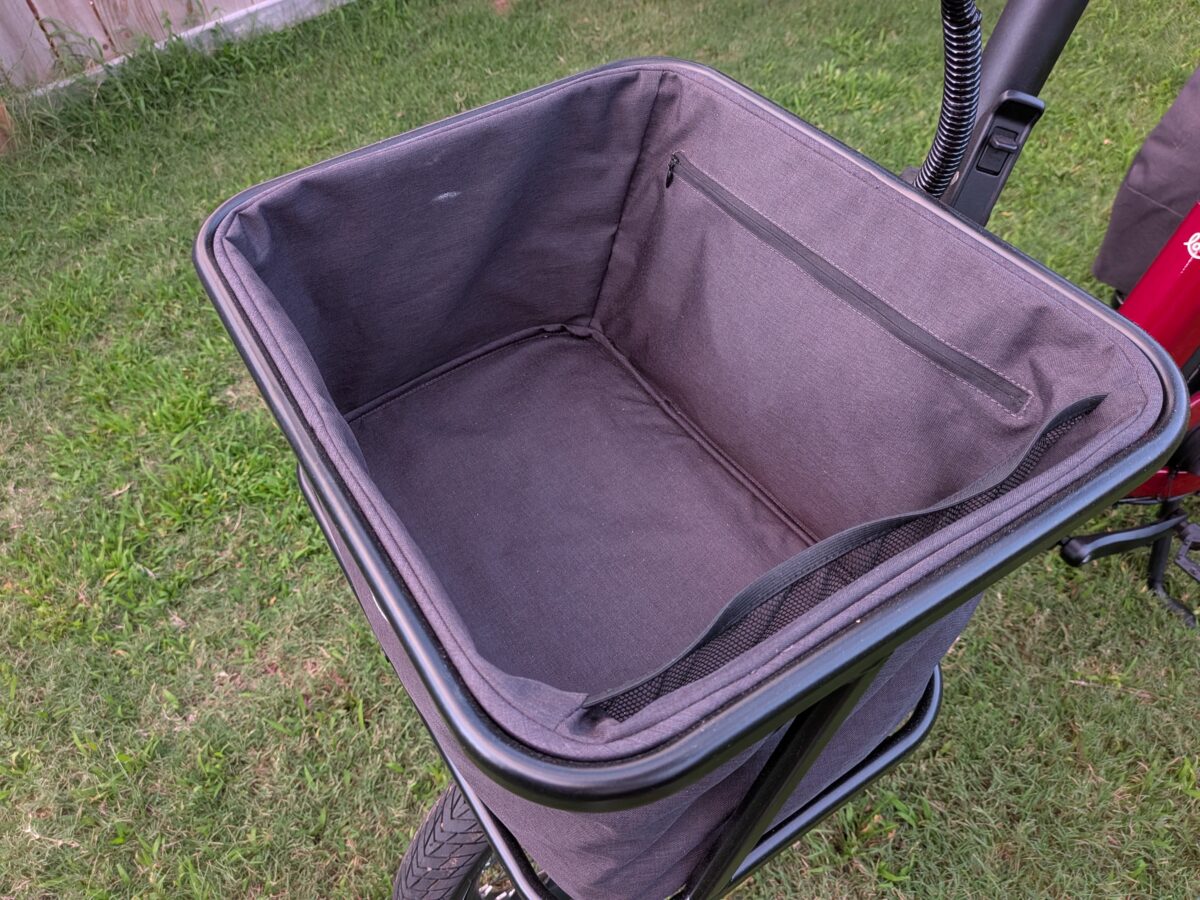
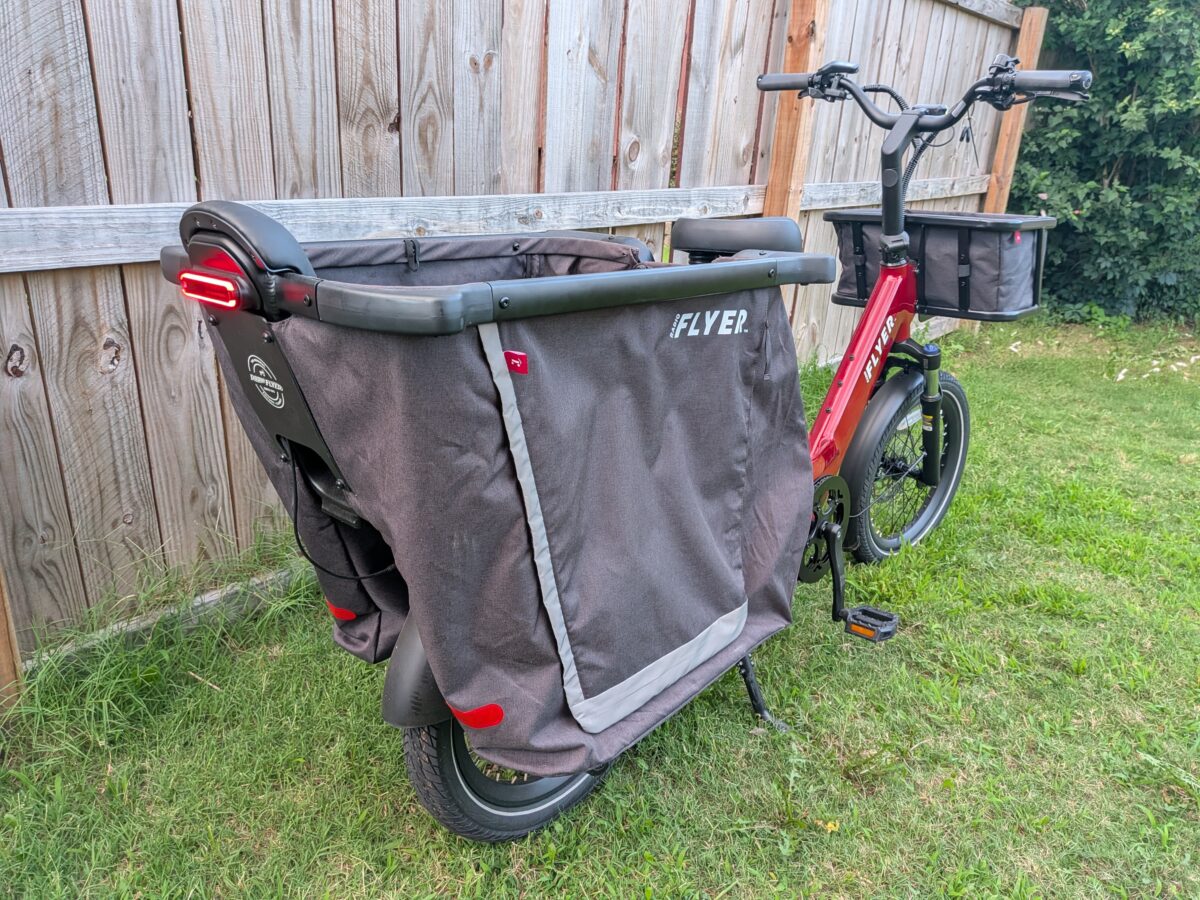
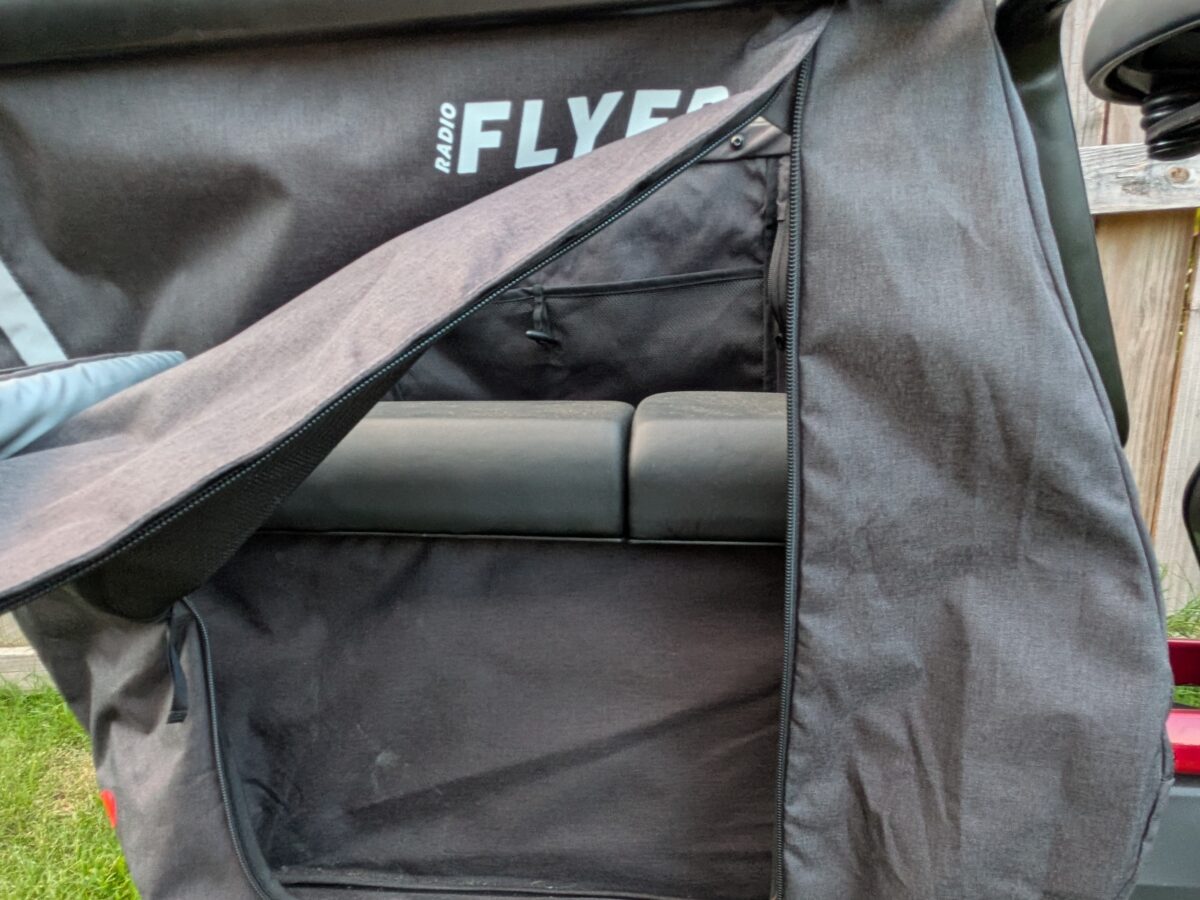
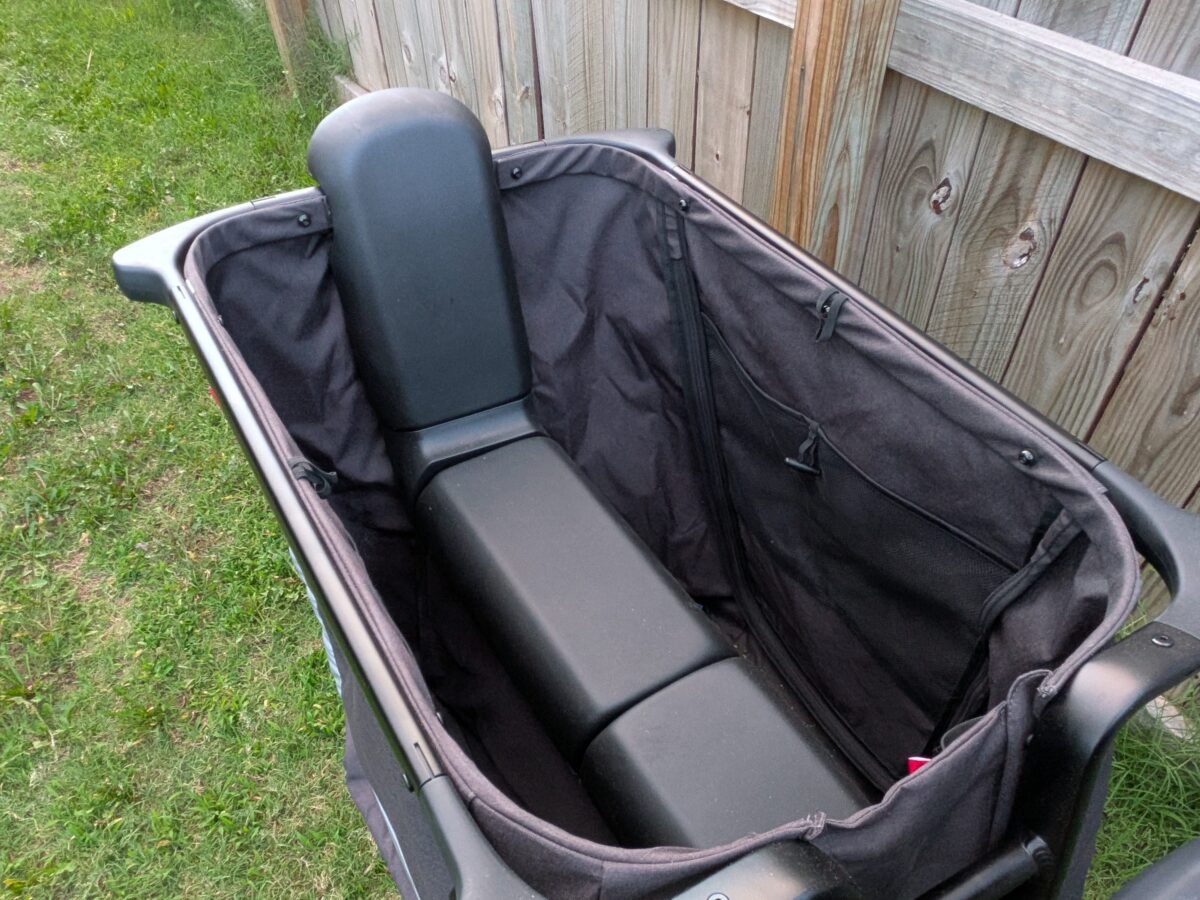
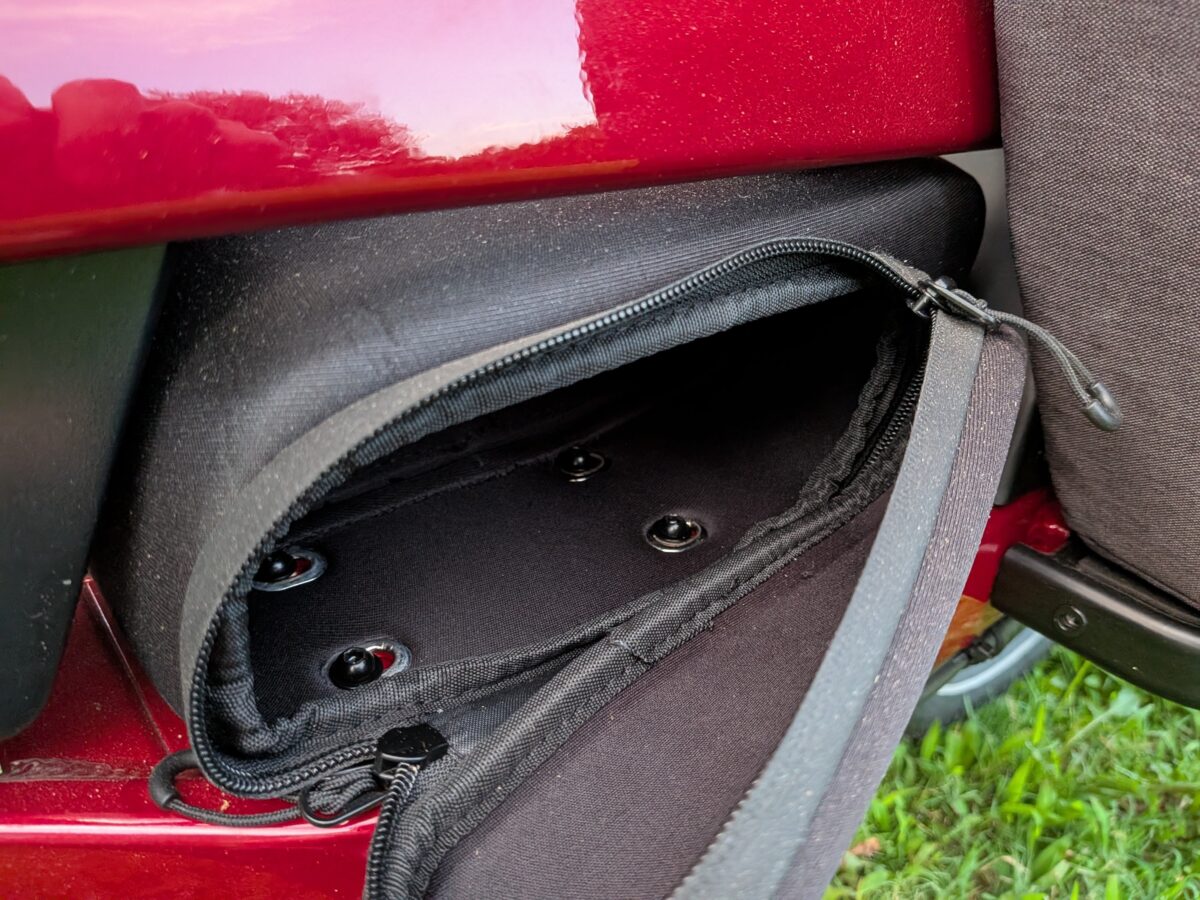
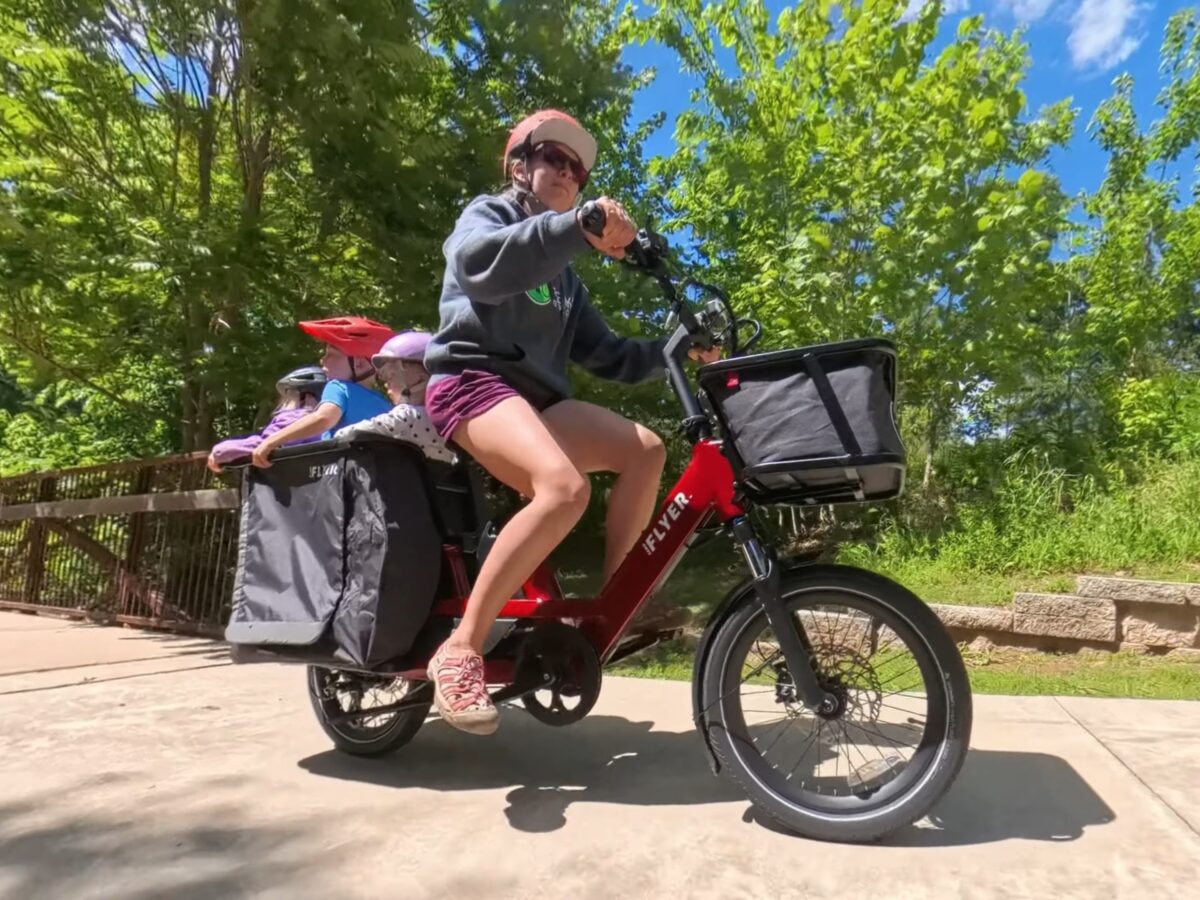
Accessories are where Radio Flyer has always made its name, and the Flyer Loop’s are the clearest argument for the bike. The Cubby Kit turns the rear rack into an enclosed bench with padded, removable seats and a backrest, and the kids climb in through a zippered side rather than getting lifted over the top. Pair it with the Cubby Kaboodle, a fabric liner whose sides drop down to open up a cavernous cargo well, and you can run the school drop-off and a grocery haul back to back without swapping a thing. Up front, the XL Front Goodie Basket adds a rain cover, a zippered pocket, and a mesh pocket for the small stuff. It’s a genuinely well-thought-out system, and the bike is also compatible with standard child seats like the Thule Yepp; just know the gear adds up, with the Cubby Kit at $379, the Kaboodle at $199, and the front basket at $199 at standard pricing.
440 lb Payload and the Rear Rack
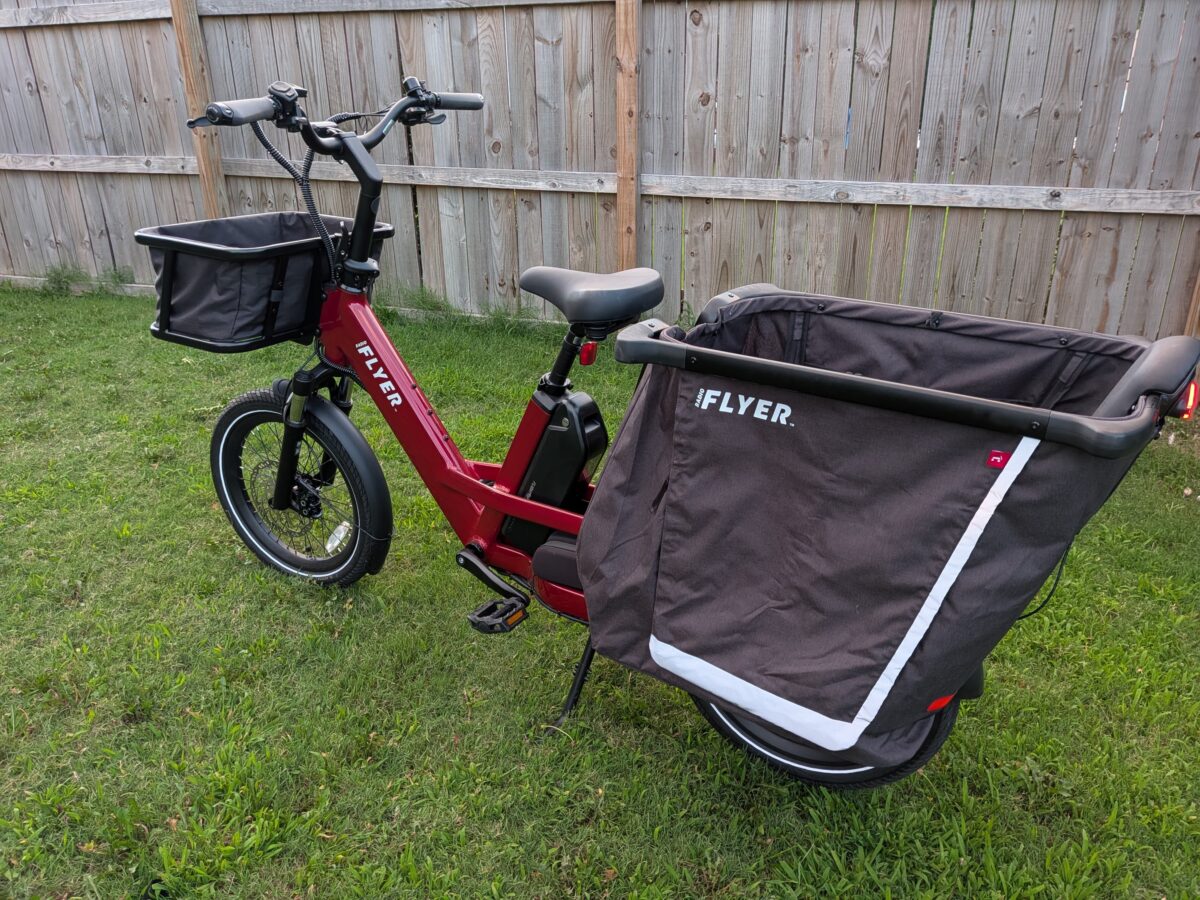
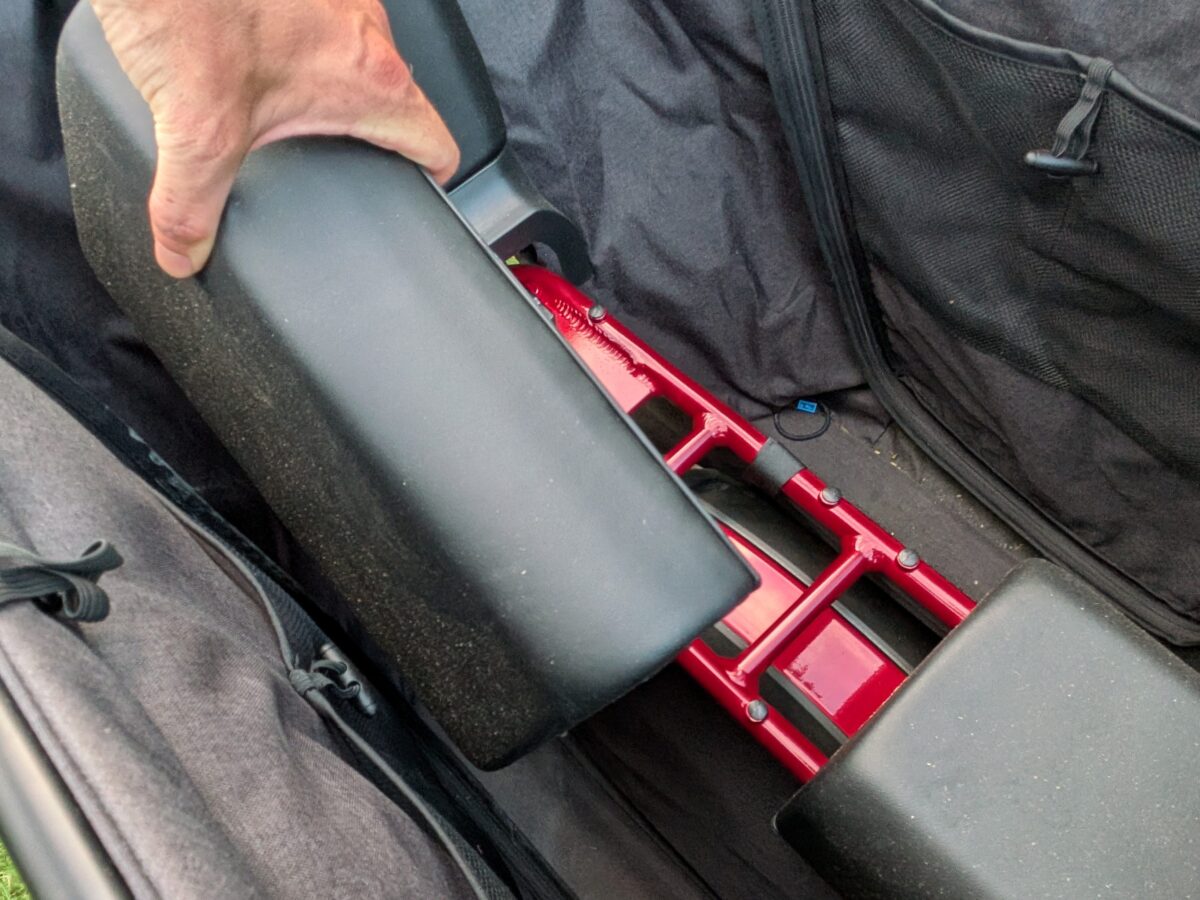
Every cargo ebike lives or dies by what it can carry, and the Flyer Loop’s numbers are strong: 440 lb of total payload with 220 lb rated for the rear rack. That rear-rack figure is the one to watch when you cross-shop the best cargo ebikes, since plenty of them come in lower. Loading and unloading that weight is where the dual-leg kickstand matters most; it drops and lifts with a simple rock of the bike and holds everything steady while you buckle kids in. A steering stabilizer, which Radio Flyer cheekily calls the deflopolator, keeps the front wheel from flopping over while it’s parked, a small touch that counts for more on a loaded bike than it sounds.
Magura MT5 Brakes
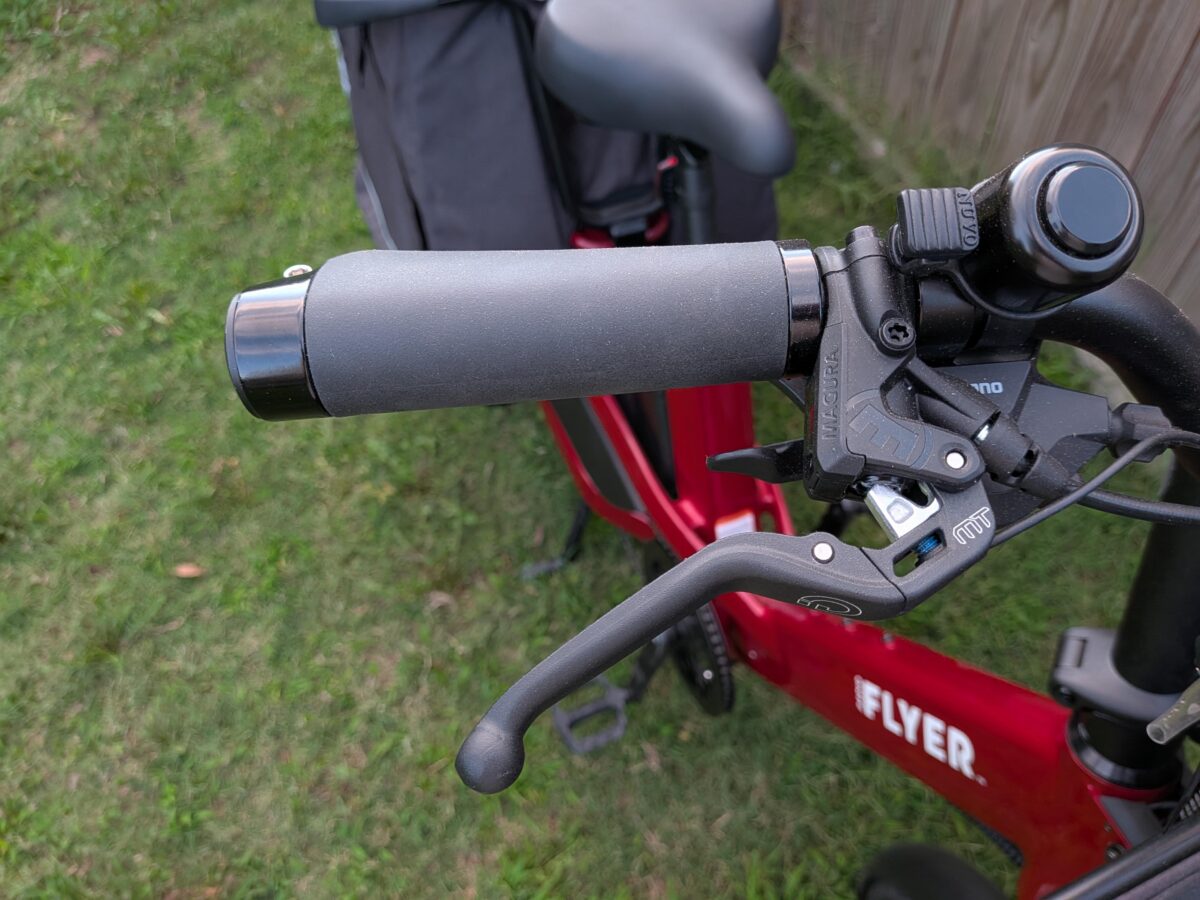
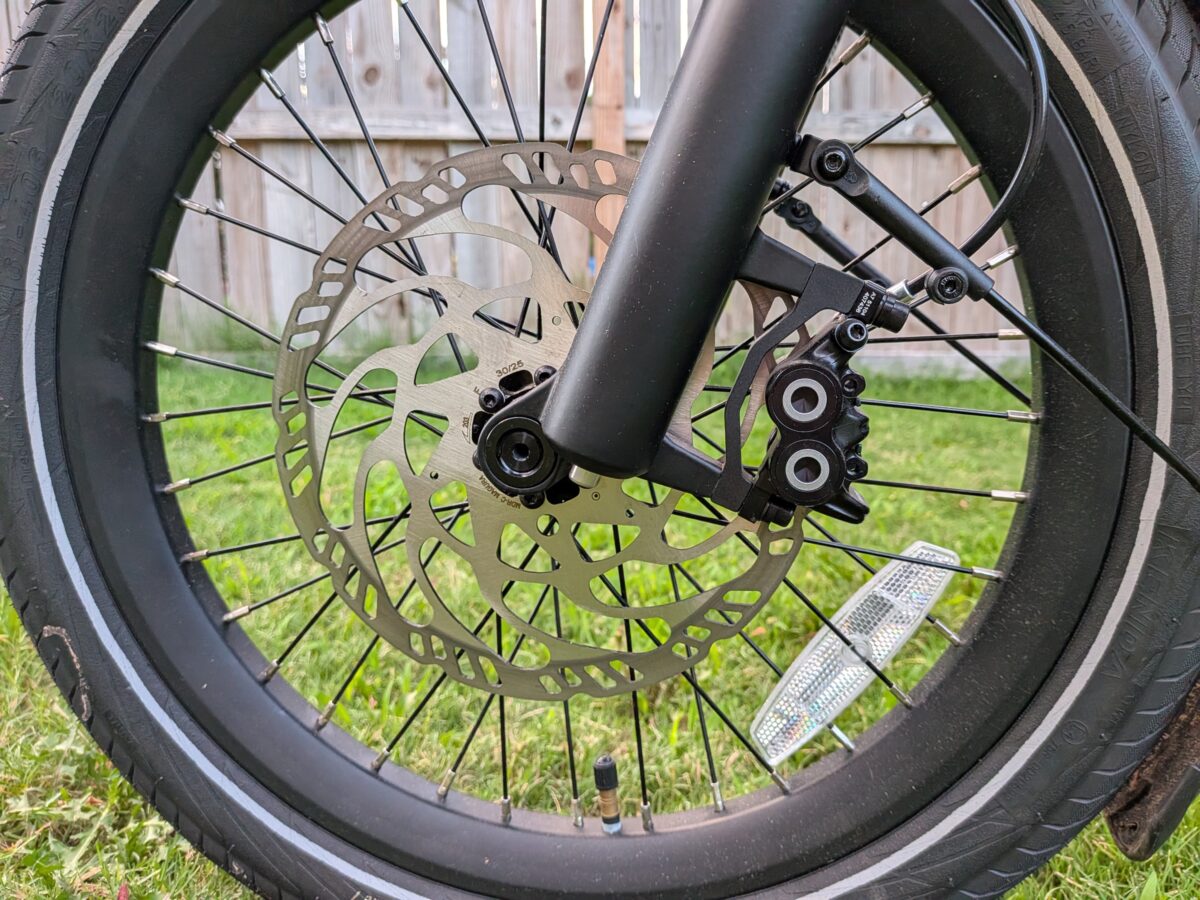
Four-piston hydraulic brakes from Magura are the kind of component you expect on a mountain bike, not a family cargo hauler, and they’re a real standout here. The MT5 calipers run on 203mm rotors front and rear, which is a lot of stopping hardware for a 20 mph bike. On a loaded cargo ebike that headroom is the point, since you want to scrub speed predictably with weight pushing you downhill. They pair semi-metallic pads with Magura’s own levers and built-in motor cutoffs.
Safety and Protection
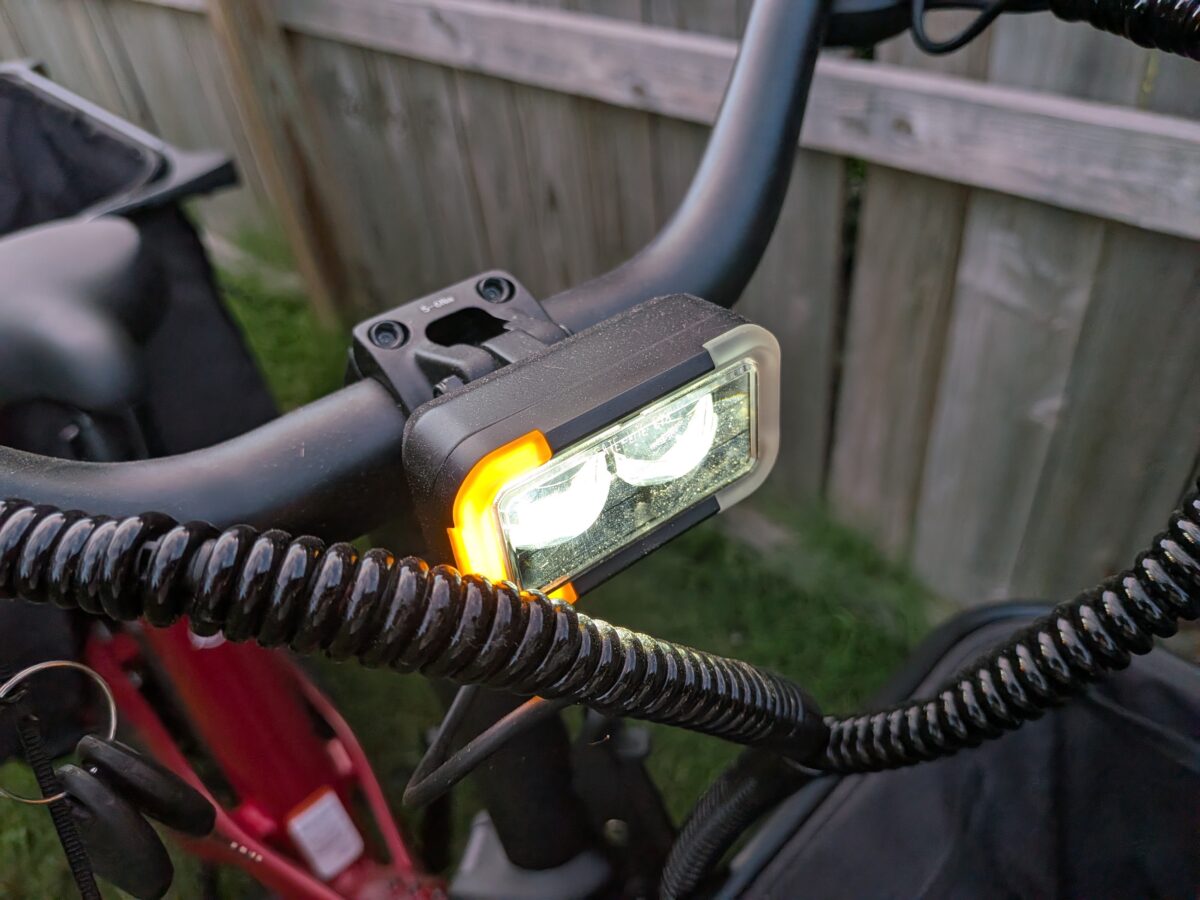
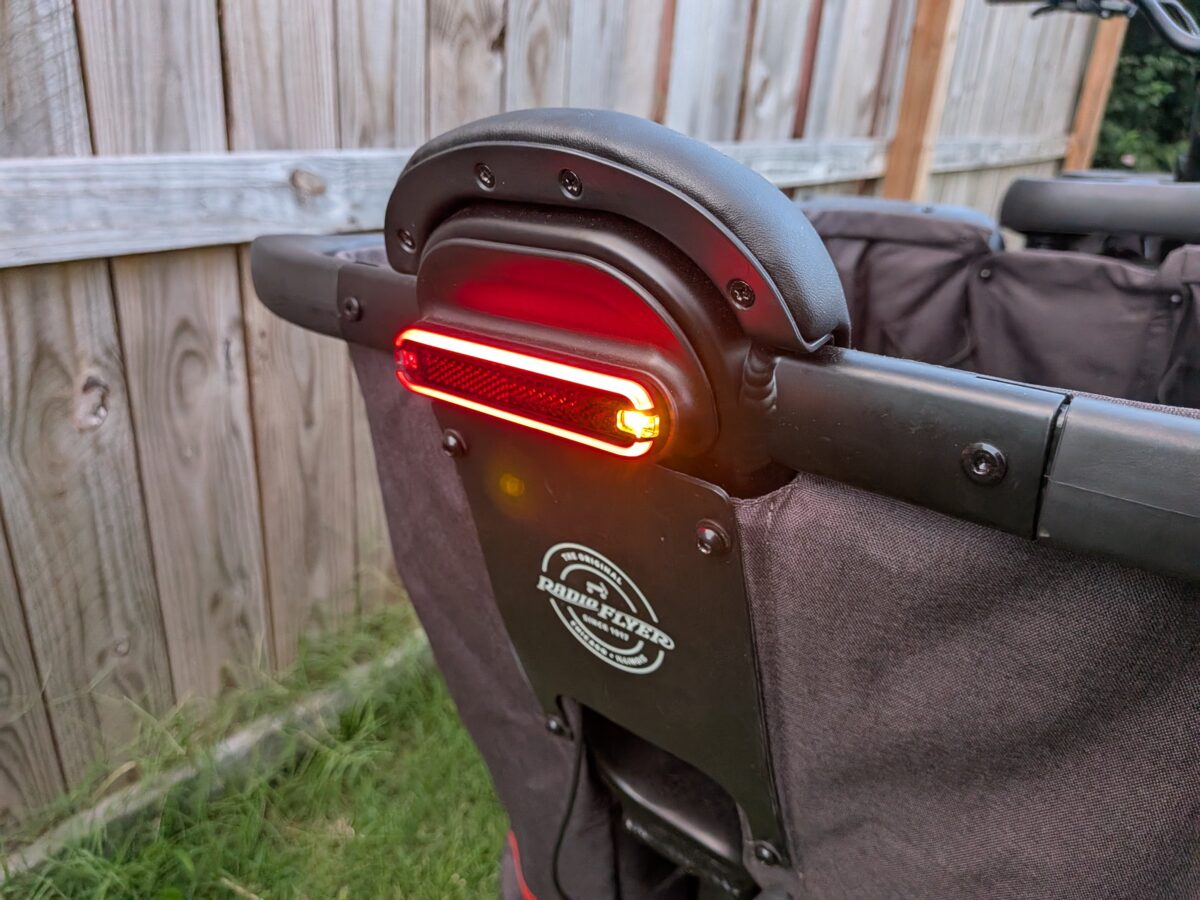
Visibility and protection got real attention on the Flyer Loop. The LED headlight sits high on the stem where drivers can actually see it, runs off the main battery, and brightens when you pull the brakes; both ends carry turn signals, and the taillight doubles as a brake light. Around the rear wheel, a guard, a chain-stay protector, and spoke covers keep little feet and loose laces away from moving parts, while reflective tire sidewalls add another layer of side visibility. None of this is flashy, but on a bike built to carry kids it’s exactly the kind of detail that should be standard and often isn’t.
Sensor Switching and Ride Customization
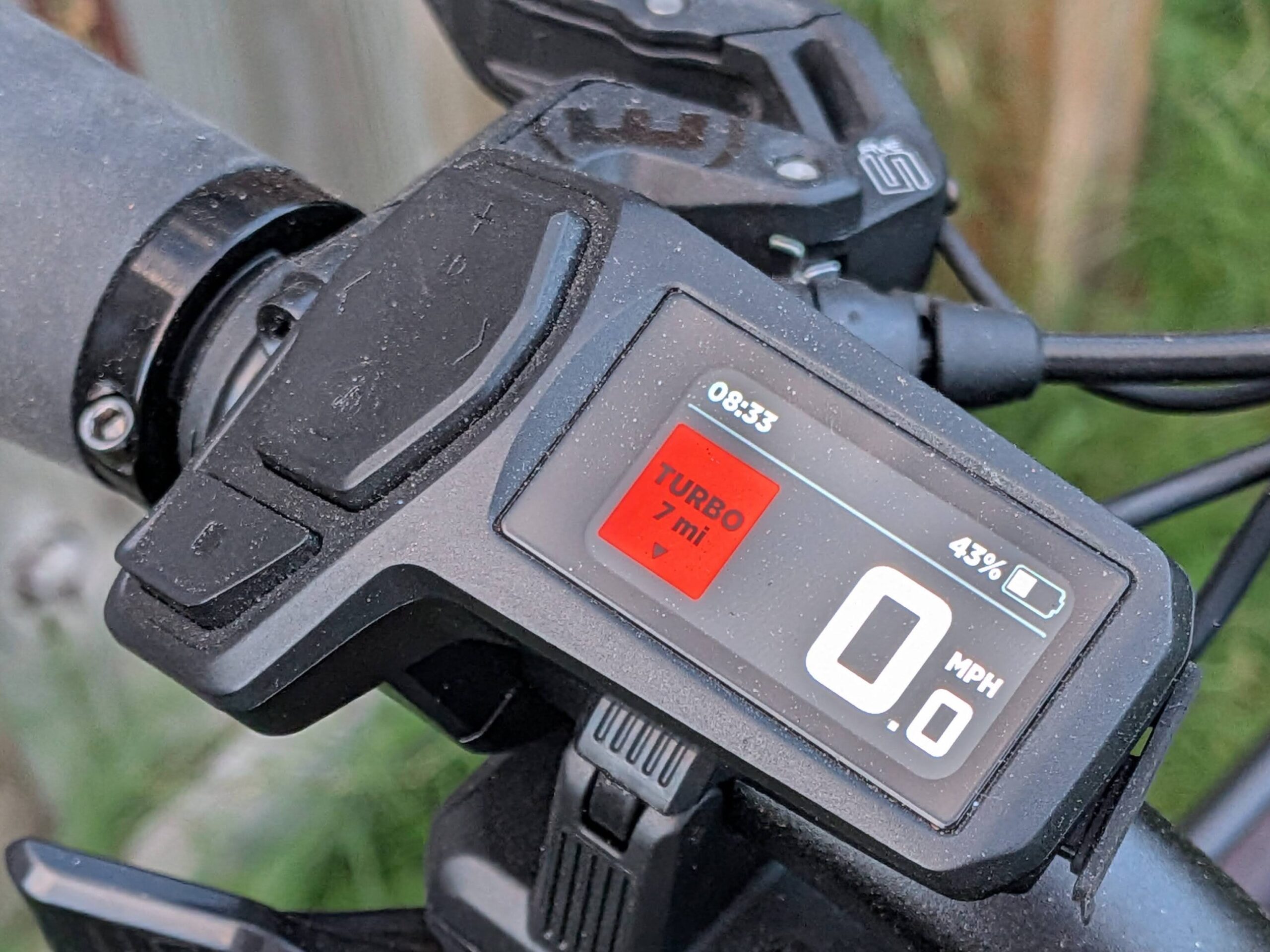
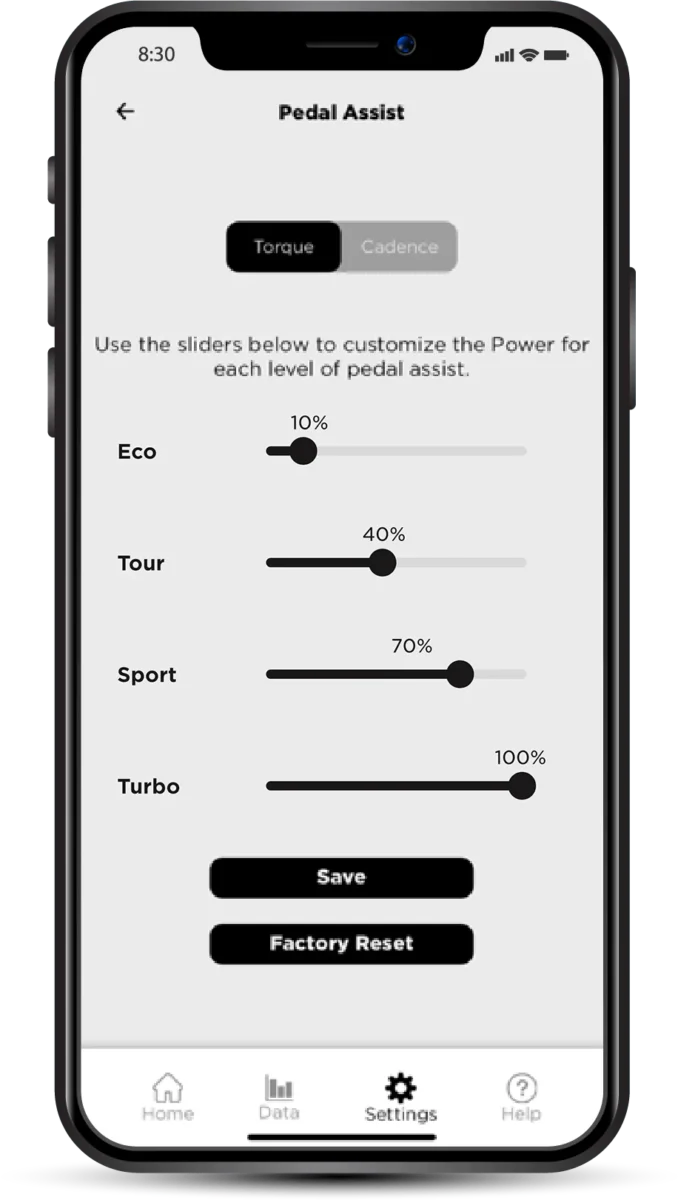
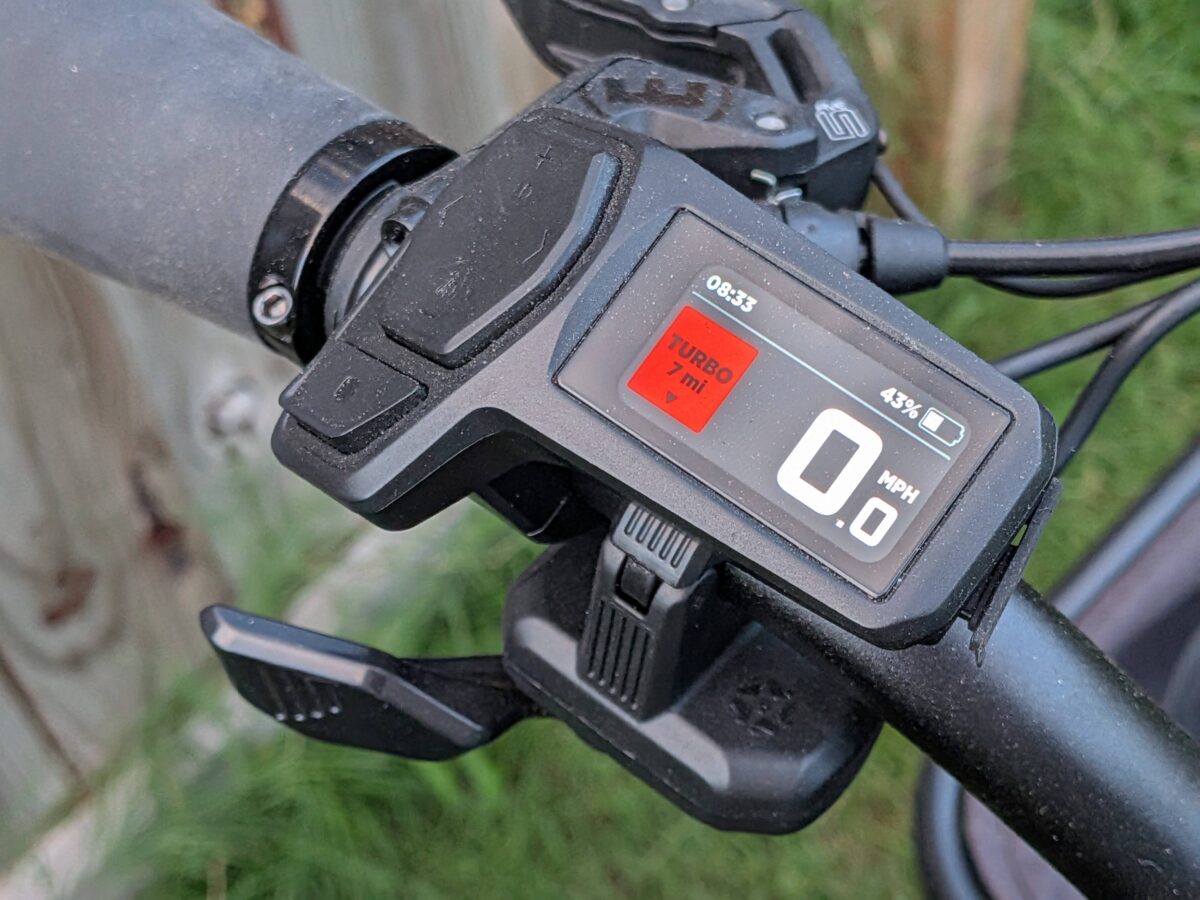
Sensor switching is showing up on more ebikes at this price, and the Flyer Loop does it well. A dual-sided torque sensor reads how hard you pedal for a natural, effort-matched feel, while a swap hands control to a cadence mode that delivers a set amount of power per assist level. You can change sensors from the on-display settings menu, which also lets you lower the top speed below the 20 mph cap, set the taillight pattern, and have the lights switch on automatically. The companion app goes a step further: it has a slider for each of the four assist levels, so you can set exactly how much power Eco, Tour, Sport, and Turbo deliver, tuned separately for the torque and cadence modes. That depth of adjustment is genuinely useful on a cargo bike shared across riders and uses.
Frame, Sizing, and Options
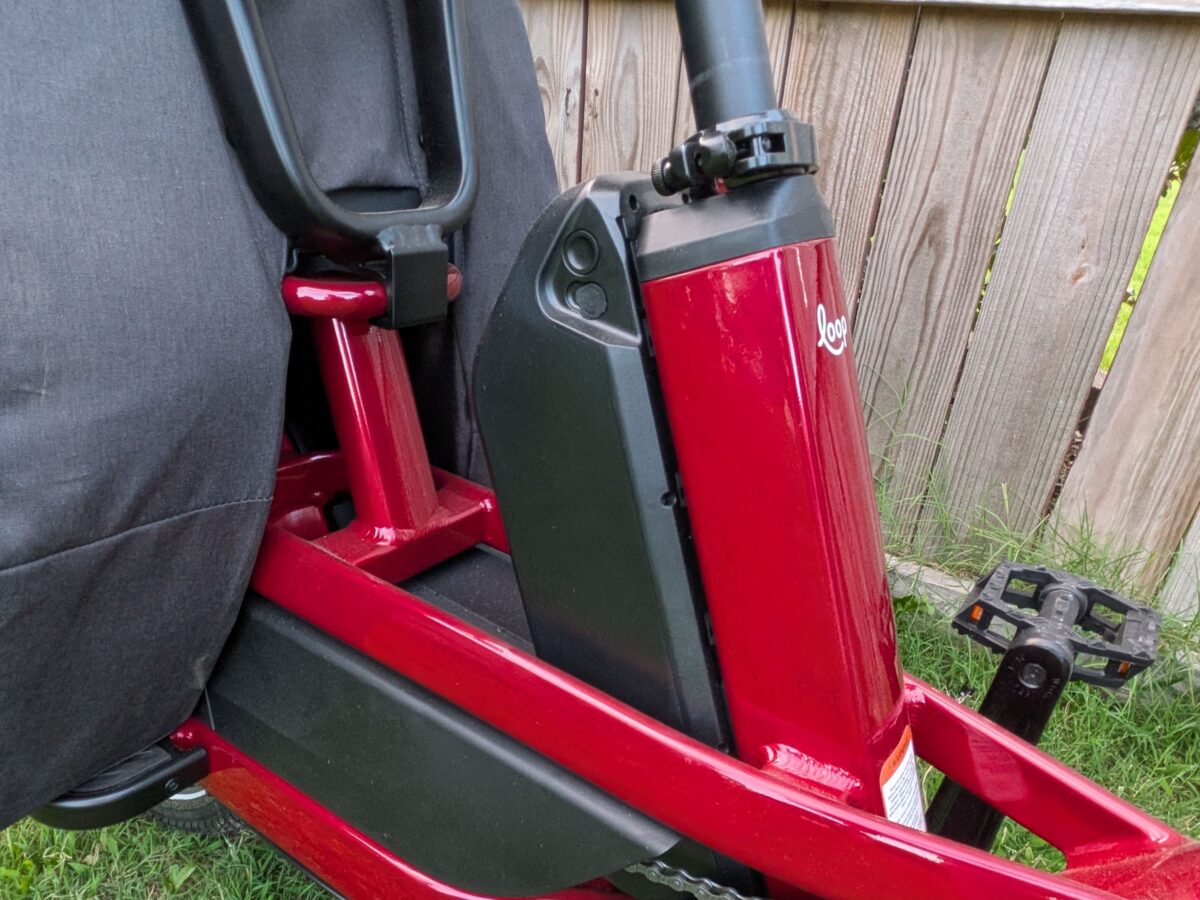
Compactness is the design brief here. The aluminum step-thru frame keeps the wheelbase short and the 18-inch stepover low, so swinging a leg over is easy whether you’re a shorter rider or climbing on with a toddler on your hip. The front stem folds flat, which is the kind of thing you appreciate when you’re squeezing the bike into a garage corner or the back of an SUV. Up top, a swept handlebar sits on a fixed-height stem; you can’t raise it, but rotating the bar tweaks reach a little, and there are three mounting points on the down tube for a bottle cage. A zippered pouch tucks into the frame for keys and a phone. Color is where you set the tone, with the iconic red alongside opal, blue, and black.
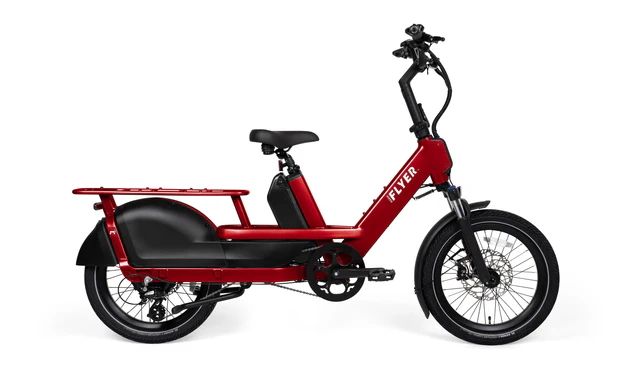
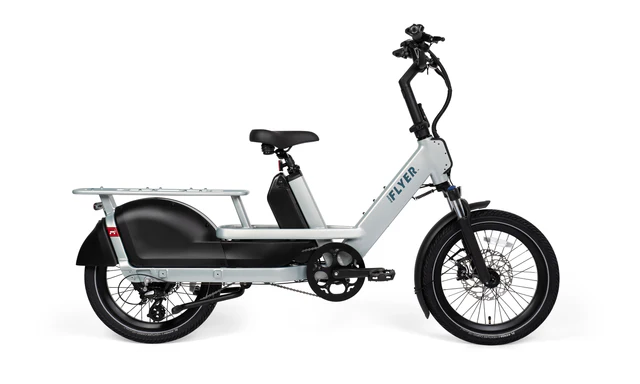
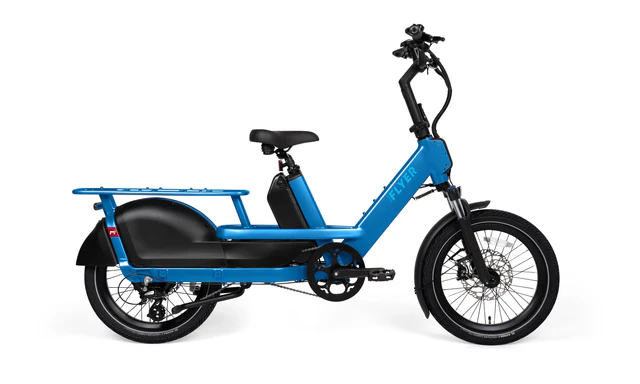
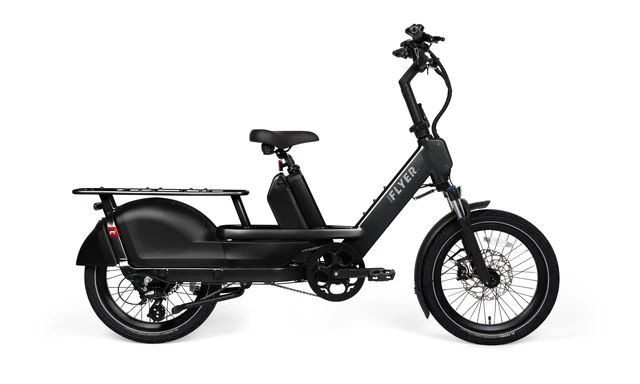
On our test rides, a 6-foot rider with a 32-inch inseam and a 5’5″ rider both found a comfortable fit on the single frame size, which Radio Flyer rates for riders from 4’11” to 6’3″ and up to 265 lb. The swept bar and ergonomic grips put you in a relaxed, upright position, though the stock saddle is average and a suspension seatpost would be a reasonable first upgrade for longer rides. At 77 lb the Flyer Loop is heavy, as cargo bikes are, but the low center of gravity and compact footprint keep it manageable to walk around and load. Here’s how the geometry shapes up:
| Category | Radio Flyer Flyer Loop |
|---|---|
| Total Weight w/ Battery | 77 lb |
| Payload Capacity | 440 lb total / 220 lb rear rack |
| Rider Height Range | 4’11” to 6’3″ |
| Standover Height | 18 inches |
| Bike Dimensions | 74″ L x 28″ W x 46″ H (1315mm wheelbase) |
Flyer Loop Full Specifications
Here’s the full breakdown of what the Flyer Loop is packing:
| Component | Radio Flyer Flyer Loop |
|---|---|
| Price | $2,999 MSRP (frequently on promo at $1,999) |
| Type | Cargo ebike |
| Class | Class 2 |
| Weight Capacity | 440 lb total payload / 220 lb rear rack (265 lb max rider) |
| Top Speed | 20 mph |
| Motor | FlightSpeed 750W rear hub |
| Torque | 87 Nm peak |
| Battery | 48V, 14.7Ah, 687Wh (Samsung 50E cells) |
| Claimed Range | 30 to 50 miles |
| Charger | 2A (7 to 8 hours from empty) |
| Display | Full-color LCD, USB-C charging, Bluetooth |
| Sensor | Torque sensor with selectable cadence mode (settings-menu toggle) |
| Throttle | Left-hand thumb throttle |
| UL Certifications | Certified to UL 2271 (battery) / UL 2849 (electronics) / UL 62368 (charger) |
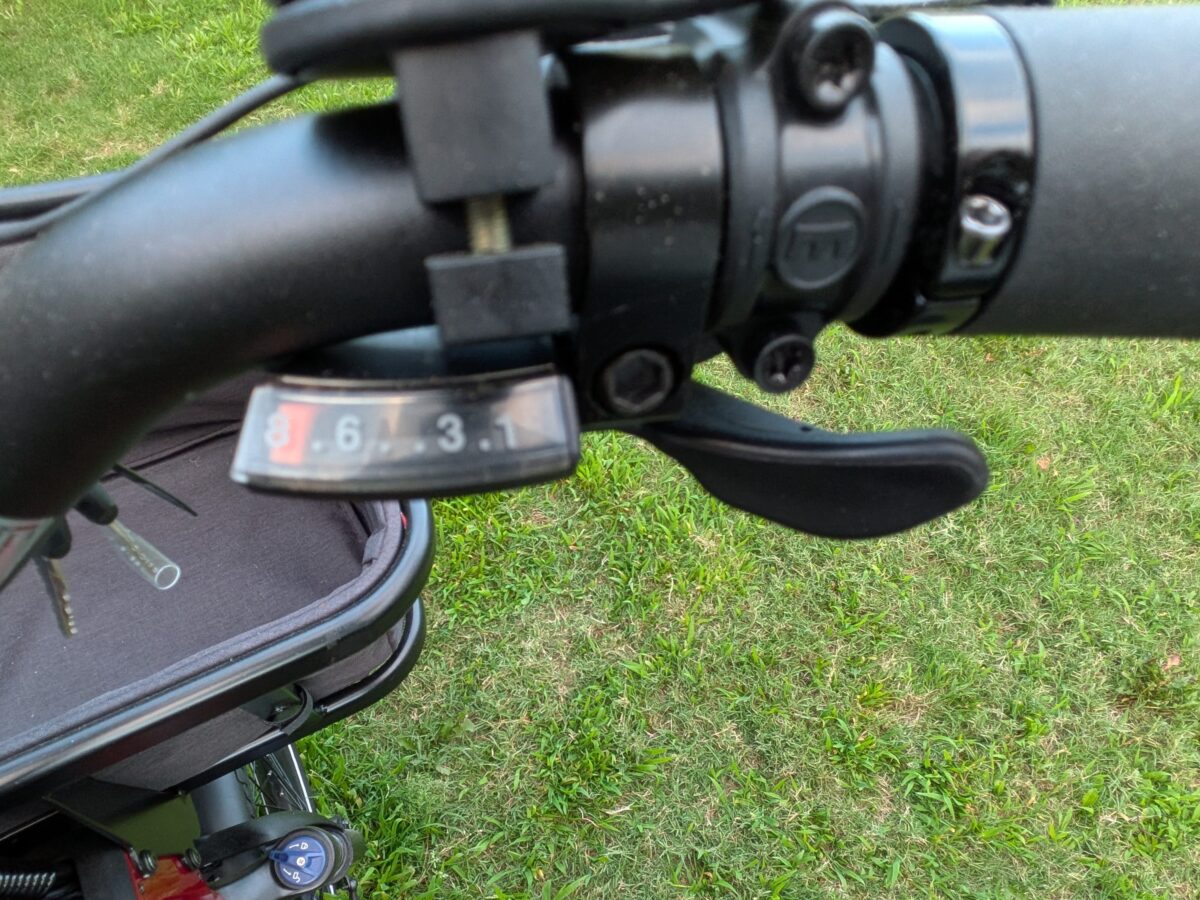
| Shifter | Shimano SL-M315, 8-speed trigger |
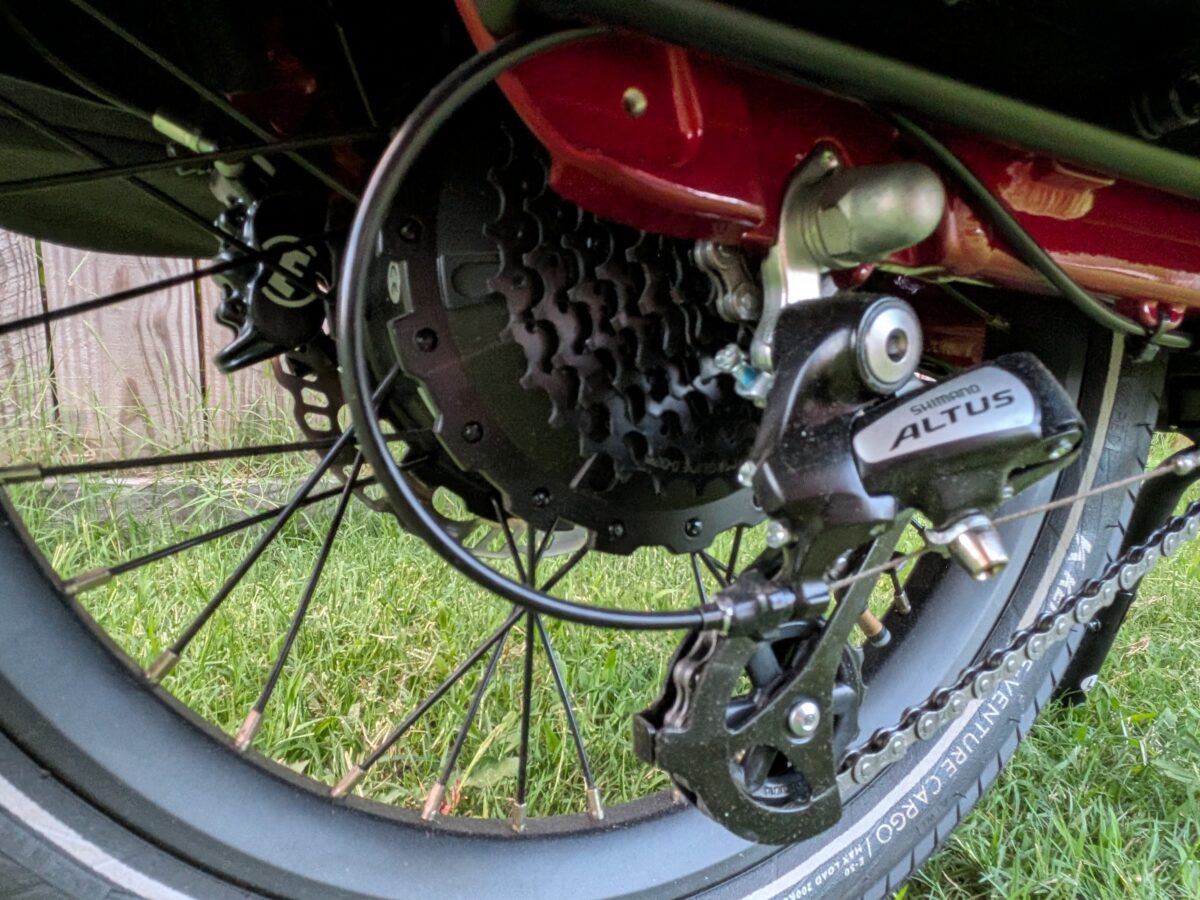
| Derailleur | Shimano RD-M310, 8-speed |
| Chainring | 52T, dual-sided guard |
| Cassette | Shimano CS-HG31-8, 11-32T |
| Brakes | Magura MT5 four-piston hydraulic disc, semi-metallic pads |
| Levers | Magura MT5, with motor cutoffs |
| Rotors | Magura 203mm front and rear |
| Frame | Aluminum 6061 (DIN 79010 certified), compact step-thru |
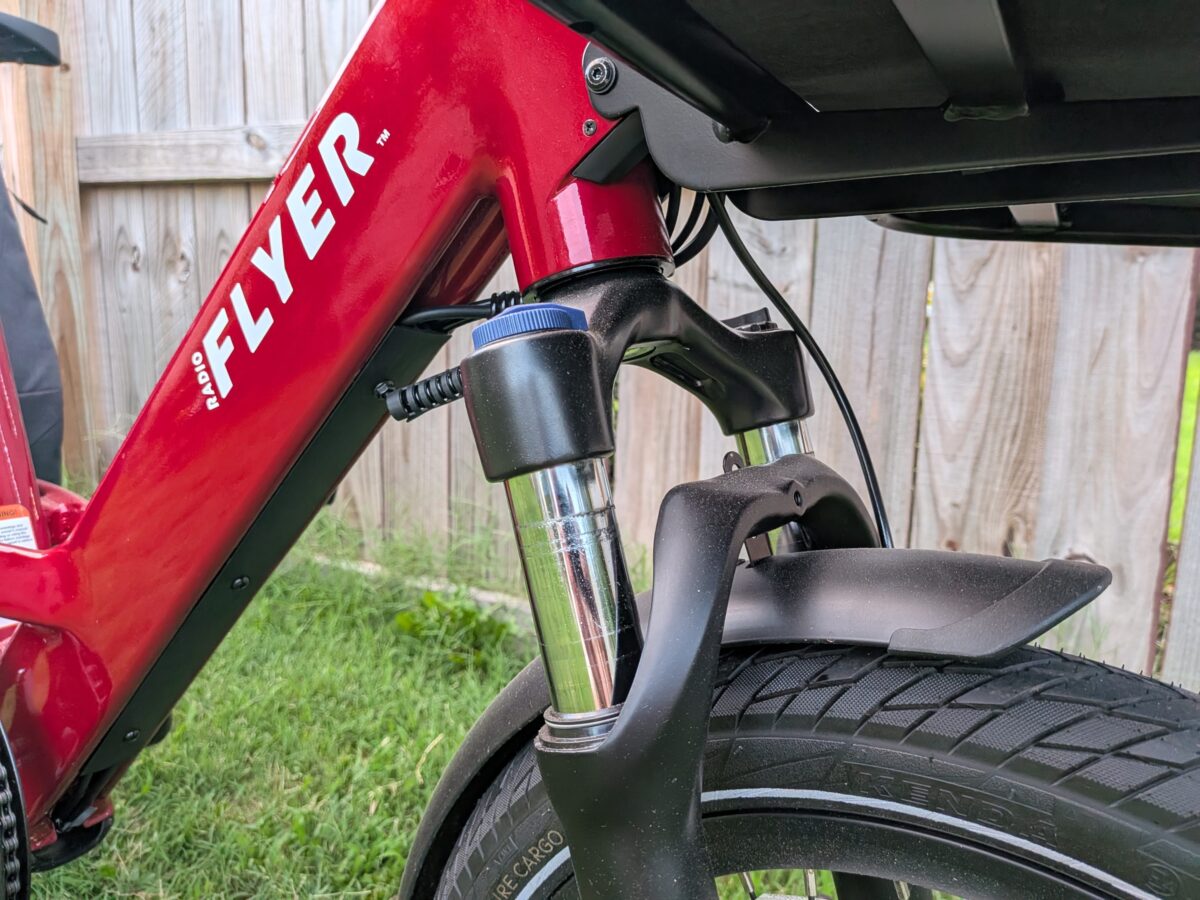
| Fork | Zoom cargo-rated coil suspension, 60mm travel, preload + lockout |
| Axle | 15mm front through axle |
| Tires | Kenda E-Venture Cargo, 20 x 2.4-inch, puncture resistant, reflective sidewall |
| Handlebars | 700mm wide, 96mm rise, 10° back sweep |
| Grips | Radio Flyer rubber, aluminum clamp-on |
| Stem | Folding, fixed upper, 90mm length, 30° rise |
| Saddle | Comfort saddle, 8-inch width |
| Pedals | Plastic platform |
| Fenders | Full-coverage front and rear, with side covers |
| Rear Rack | Integrated, 220 lb capacity, low-mount over 20-inch wheel |
| Kickstand | Dual-leg center stand, with steering stabilizer |
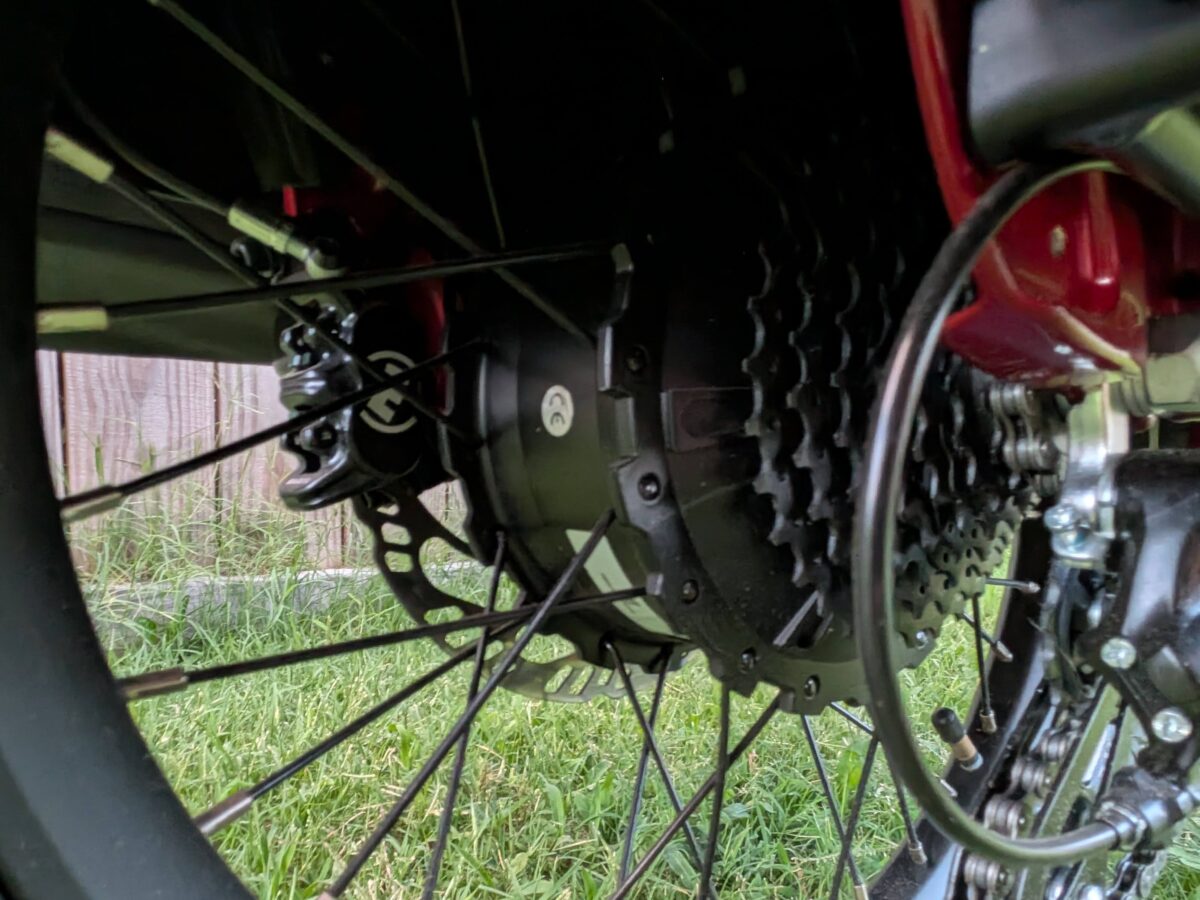
Real-World Performance Testing | Flyer Loop
Throttle-Only Acceleration
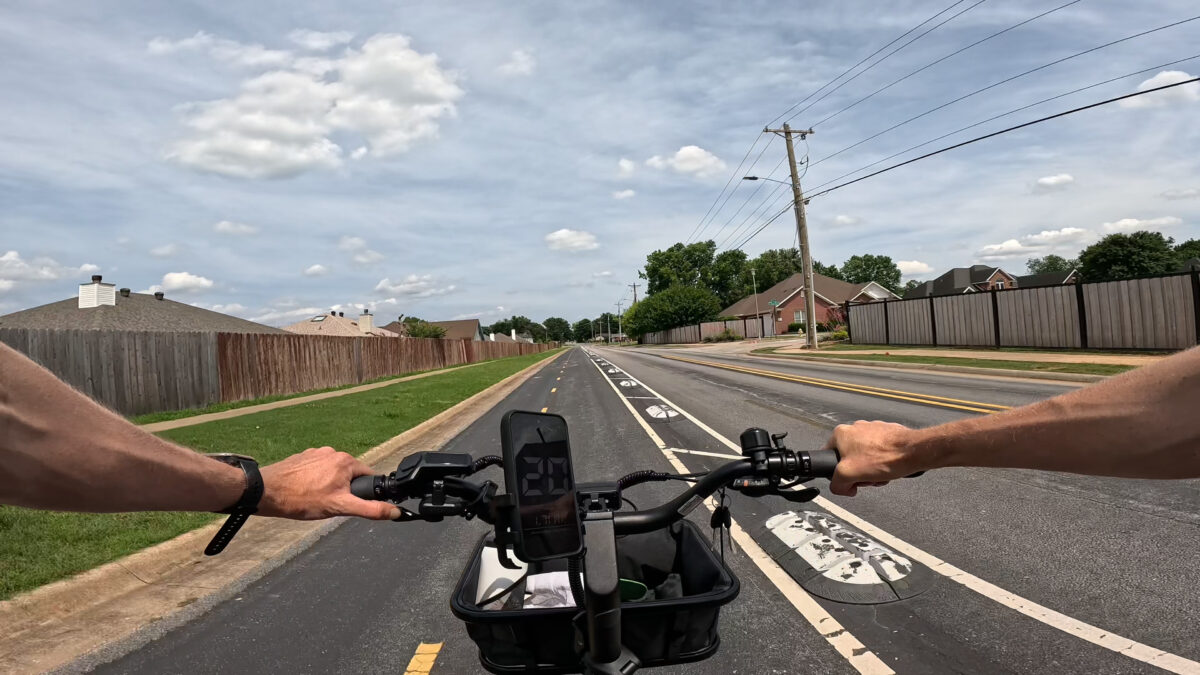
We started where a cargo bike should be judged, fully loaded. From a standstill on flat ground, the throttle eased in with a gentle takeoff rather than a lurch, which is what you want with kids on board, and it pulled steadily up through the upper teens. Acceleration tapered off as it neared the 20 mph cap, though it still got there, confirmed on both the display and GPS. What stood out was the modulation: this thumb throttle is easier to feather than most, so holding a slow, steady 7 or 8 mph through a busy stretch took no effort. On a heavy bike that low-speed control is worth as much as the top speed.
Pedal Assist
Both sensor modes share the same four assist levels, labeled Eco, Tour, Sport, and Turbo, and you pick your sensor in the settings menu. The torque and cadence modes feel quite different in use, so it’s worth trying each to see which suits you.
Torque Sensor
A torque sensor reads how hard you press the pedals, so easy spinning draws a light hand from the motor while really leaning on the cranks brings a stronger surge. The harder you work, the more the Flyer Loop gives back. Loaded with cargo, here’s how the levels played out:
- Eco: Power comes on the instant you pedal, but there isn’t much of it; with some extra effort in the legs we crept up to around 11 to 12 mph.
- Tour: A noticeable jump from Eco, enough to settle into a comfortable 12 to 15 mph on flats and gentle rises without working hard.
- Sport: Evenly spaced above Tour, with the punch to cruise in the high teens and even touch the 20 mph cap on flat ground in a higher gear.
- Turbo: Holds 20 mph with little effort and still leaves room to pedal; a small push from your legs is all it takes to unlock full motor help.
Cadence Sensor
A cadence sensor only cares whether you’re pedaling, not how hard. Once your legs are moving it hands over a set amount of power for the assist level you’ve chosen, regardless of effort. It engages quickly, enough that we could pull away from a stop even with a full load:
- Eco: A small, steady trickle of power; spinning easily we sat around 8 mph, a nicely restrained low setting for tight spaces.
- Tour: More pull off the line, bringing us up to roughly 10 to 12 mph with light spinning.
- Sport: A clear step up, settling around 17 to 18 mph.
- Turbo: Effectively guarantees the 20 mph cap as long as your legs keep turning.
For most riders the torque sensor will feel the most natural, the motor amplifying your effort rather than replacing it, while the cadence mode is the easy button for days you’d rather not push. The throttle is always there to get rolling from a stop, which is exactly when you want it on a loaded cargo bike.
Hill Climb Test
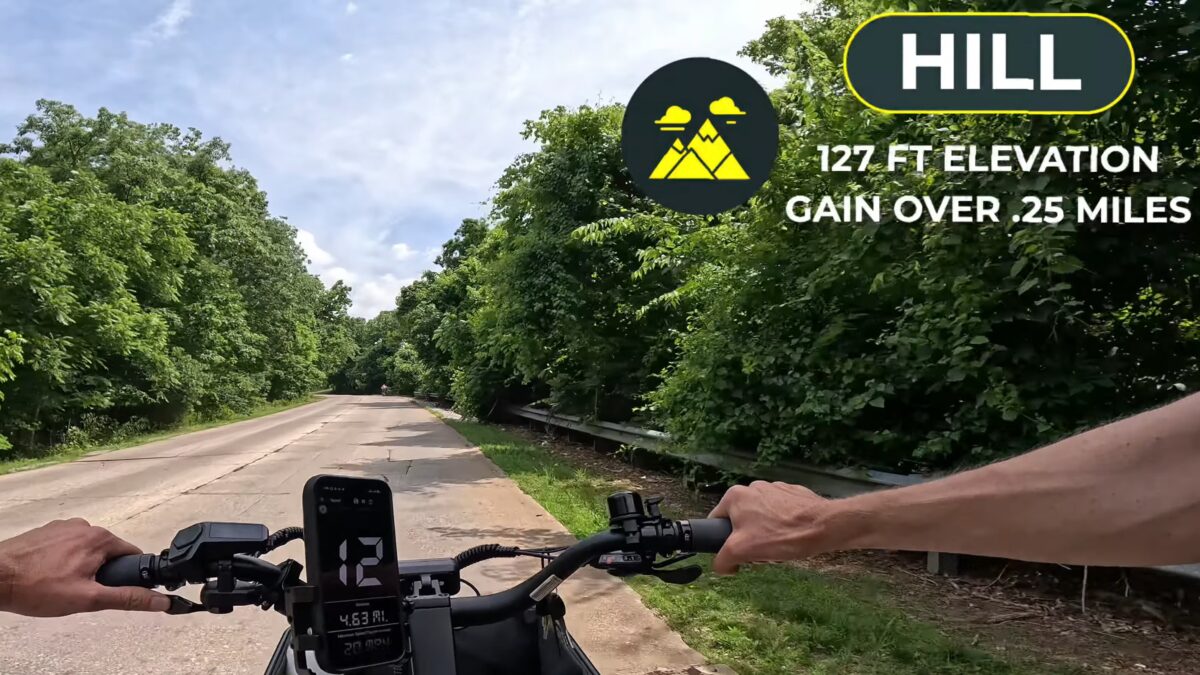
Our hill climb test runs up a Bentonville grade that gains 127 feet over a quarter mile, averaging 9.2 percent. Loaded with cargo and left on throttle alone, the Flyer Loop held a 7 mph minimum most of the way, dipped briefly to 6, and made the top without a single pedal stroke. The motor was clearly working hard and not shy about letting you hear it at full output. Throttle-only up a hill like that is impressive, but it isn’t how we’d recommend riding day to day, since it leans hard on the motor and the pack.
Pedaling changed the picture. With the torque sensor in Turbo we still had to put real power down to draw the motor’s full help, the same effort-in, power-out behavior that feels natural on the flats but demanding on a sustained climb. Switching to the cadence sensor and dropping into a low gear in Sport flattened the hill out; we could spin easily and let the motor do the work. It was the clearest demonstration we’ve had of why having both sensors on one bike pays off: ride the torque sensor for feel, and switch to cadence when the grade turns into a grind.
Braking
Coming back down the same kind of grade with the bike loaded, the Magura brakes did exactly what their spec promised. Even with the load pushing us downhill, they brought the bike to a complete, controlled stop, and more to the point, the lever feel offered a lot of modulation, so it’s easy to meter out exactly how much you’re slowing. Strong stopping power on a heavy bike is one thing; being able to apply it smoothly with kids on board is what makes these brakes worth the line on the spec sheet.
Ride Feel and Handling
On the move, the Flyer Loop feels more compact than most cargo bikes, which makes it nimble in traffic and tight turns. The 20 x 2.4-inch tires are narrower than what some cargo bikes wear, trading a little stability on grass or trails for sharper steering on pavement, and the cargo-rated fork’s 60mm of travel takes the edge off cracks and rough city streets. It’s no off-road bike and isn’t trying to be.
Battery and Range
A word on range, since a loaded cargo bike asks a lot of its battery. The 687Wh pack is about average in size, not just for cargo bikes but for ebikes generally, and Radio Flyer’s 30 to 50 mile estimate is a fair spread. Real numbers depend heavily on how you ride: light pedaling on flat ground gets you toward the top of that range, while a full load, higher speeds, and heavy throttle use will pull you closer to 30. For the school run and errands that most owners will actually do, it’s plenty; riders planning long, loaded days are the ones who’ll wish for more.
Flyer Loop vs Aventon Abound LR
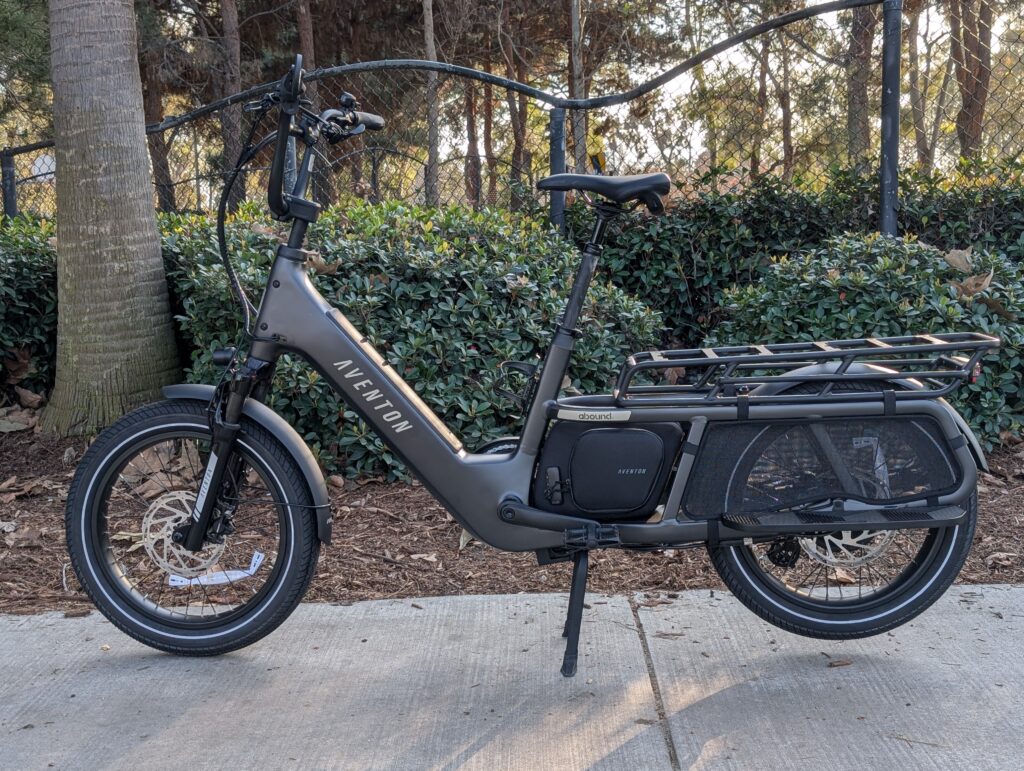
Anyone shopping this segment will run into the Aventon Abound LR, one of the benchmark cargo ebikes we recommend, and it lands $1,000 cheaper at $1,999 against the Flyer Loop’s $2,999 MSRP. With the Flyer Loop currently on sale at that same $1,999, the two line up even closer, which makes the comparison all the more worth making. Aventon’s pitch is technology: the Abound LR adds 4G connectivity with GPS tracking, geofencing, and motion alerts through its onboard ACU, along with the ability to fine-tune each assist level in the app, an adjustable quill stem, and a MIK-compatible rear rack for quick accessory swaps.
There are real differences to weigh, though. Those 4G features run on a connectivity subscription, free for the first year and then $20 annually, but plenty of the Abound’s security is built in at no extra cost, including its e-locking dual-leg kickstand, keyless battery, and passcode-protected display. On capacity, its rear rack is rated for 143 lb, well under the Flyer Loop’s, which matters if heavier hauling is the goal. It also leans on two-piston Tektro brakes rather than four-piston Maguras, though it matches the Flyer Loop’s switchable sensors with Aventon’s own Sensor Switch between torque and cadence. Unloaded it reaches a Class 3 top speed of 25 mph that the Class 2 Flyer Loop, capped at 20, doesn’t match. If remote tracking and app tuning top your list, the Abound LR is hard to beat for the money; for our full breakdown, see our Aventon Abound LR review.
Flyer Loop Pros and Cons
Final Thoughts on the Flyer Loop
Families who want a cargo ebike to disappear into daily life are the Flyer Loop’s audience: school runs, grocery trips, and the occasional adventure, carried by a bike that’s easy to handle and built around a thoughtful accessory system. The premium money clearly went into the parts that matter when you’re hauling extra weight, the Magura brakes, the cargo-rated fork and tires, and the safety and protection details. Where it compromises is the battery, which is average in size at a price where a bigger pack would be welcome, and the Class 2 speed cap that some solo riders will wish they could lift. It’s a hauler built around carrying people safely and comfortably, and that focus shows.
Thinking about picking up the Flyer Loop? At the time of writing, it’s discounted to $1,999 from its $2,999 MSRP, and our affiliate link is a good way to check the current price. If you do buy, using the link is a free way to support our work, at no extra cost to you.
